
March 2
58/100
First reading
Needs care
- Leaf scorch on three leaves
- Soil drying out completely between waterings
Care plan issued. Watering set to every 9 days, reminder on.
Photograph the leaf that worries you. Bloom names the plant, finds what's wrong, and gives you the steps to fix it.
Powered by Plant.id, +400,000 species. No account, no sign-up.
58/100
NEEDS CARE
Ficus elastica
Rubber plant
94% match
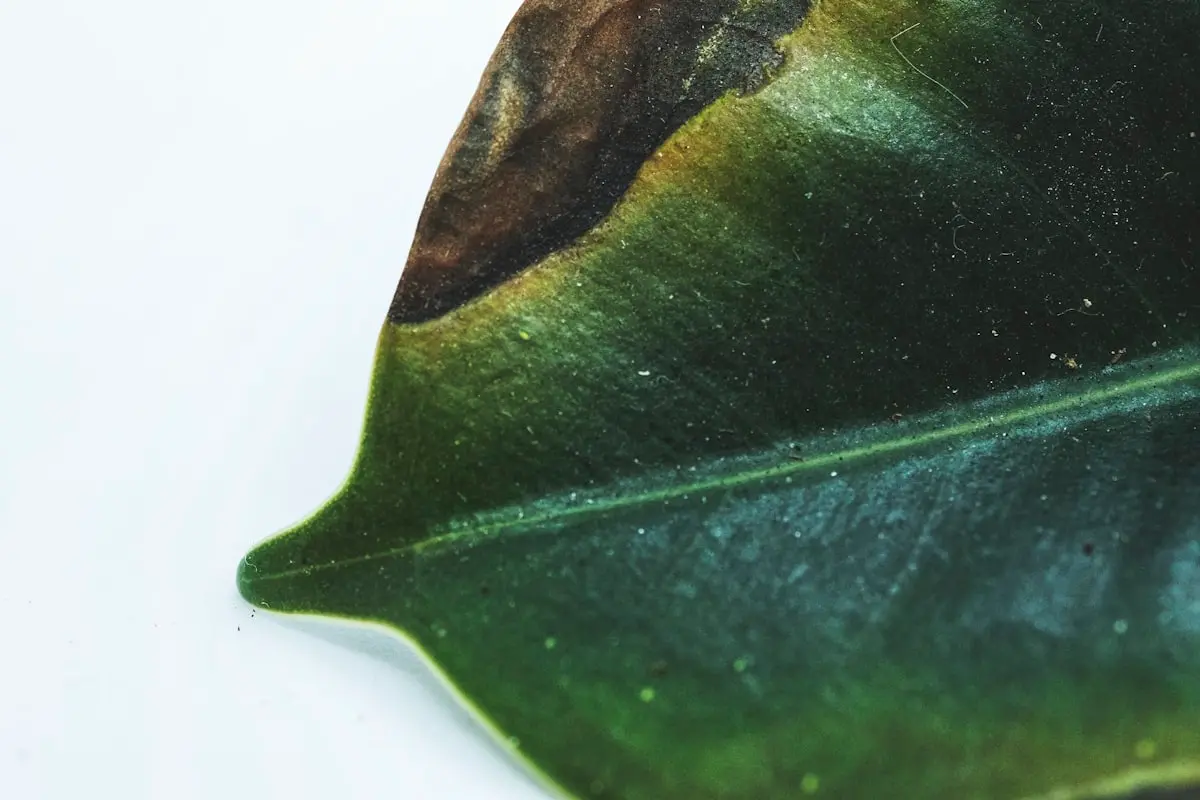
Leaf scorch
Dry brown patches spreading in from the edge, caused by too much direct sun.
Treatment Trim the dead tissue back to green and water sooner.
Care plan
Water every 9 days
All it takes is one photo.
A spotted leaf, a drooping stem, the whole plant. Get close, in good light. A clear photo beats a pretty one.
You get the species, a health status, and every problem Bloom found. Each one comes with its treatment, so there's nothing left to go and google.
Light, water and soil for that exact species, in the order to do them. Your snake plant and your fern get different watering schedules.
Every scan returns a Plant Health Score. One number for how your plant is doing, which you can watch move as it recovers.
The score starts from how healthy the plant looks overall, then loses points for each problem found, weighted by how serious it is. Same photo, same score, so two readings a fortnight apart are worth comparing.
Scan again in two weeks. Bloom keeps every reading, so the change is a number you can point at instead of a leaf you squint at.
March 2
58/100
First reading
Needs care
Care plan issued. Watering set to every 9 days, reminder on.
58 to 92 +34
March 16
92/100
Second reading
Thriving
Comparison saved. Share it, or keep it for next time.
Illustrative readings. Yours uses your own two photos of the same plant.
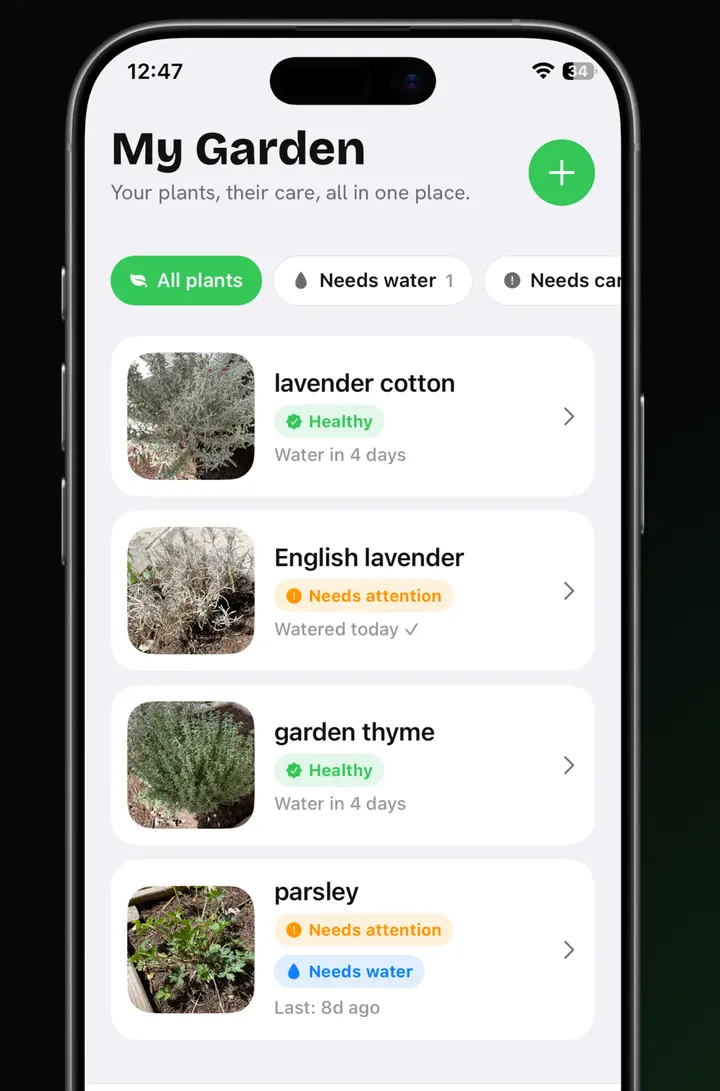
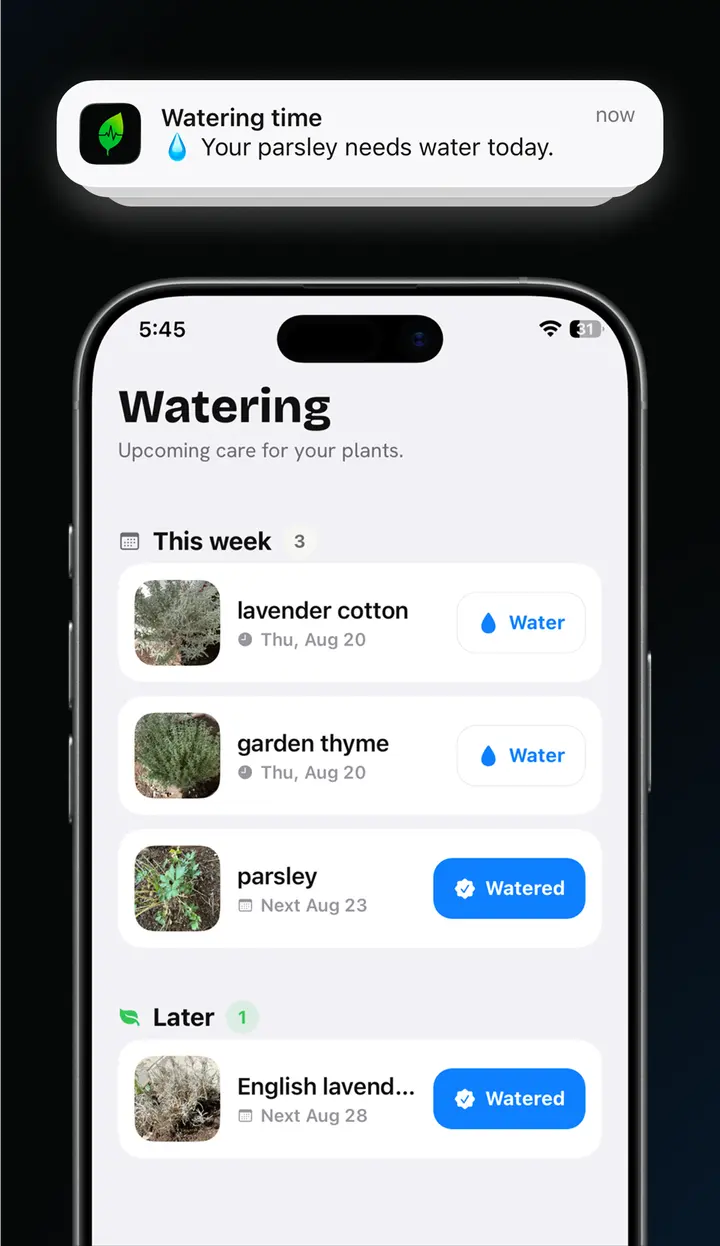
Save the plant to your garden and Bloom keeps the schedule. The interval comes from the species it identified, not a generic weekly nudge. Reminders fire on your phone, with or without signal, and everything due this week sits on one screen.
There's no account to make. Your garden, photos and history live on your phone and nowhere else. Delete the app and all of it goes with it.
Photograph the leaf that worries you and find out what it needs.
Bloom runs your photo through Plant.id, which covers more than 400,000 species. It tracks a confidence level on every reading and tells you when it isn't sure, rather than guessing. Treat a diagnosis as an informed second opinion, not a guarantee. For a plant you can't afford to lose, ask a professional too.
Everything, from the first scan: diagnoses, a Plant Health Score out of 100, a care plan for every species you photograph, watering reminders, and the before-and-after comparison when you re-scan.
The part that worries you, in bright natural light. One affected leaf usually works better than the whole plant. Get close enough to see the texture of the damage.
No. Bloom has no sign-up and no login. Your garden, photos, history and settings live on your phone. Deleting the app deletes all of it.
A photo goes to Plant.id to produce the diagnosis, and nowhere else. Bloom asks your permission once, before the first scan. Photos are never used to identify you and are never sold or shared for advertising.
Open Settings on your iPhone, tap your name, then Subscriptions, then Bloom. You keep access until the end of the period you already paid for. In the EU you also have 14 days to withdraw from the purchase.